litgpt
Lightning-AI/litgpt (opens in a new tab) github
lightning.ai (opens in a new tab)
Installation
Conda
Create python environment
conda create -n litgpt python=3.11Activate environment
conda activate litgptInstall litgpt python package
pip install 'litgpt[all]'Usage
Download a model
Get the list of all available models
litgpt download listFilter for specific models
litgpt download list | grep LlamaDownload a model
litgpt download <modelname>For example
litgpt download meta-llama/Meta-Llama-3.1-8B-Instructgives an error (need to specify HF access token):
litgpt download meta-llama/Meta-Llama-3.1-8B-Instruct

Setting HF_HUB_ENABLE_HF_TRANSFER=1
Traceback (most recent call last):
  File "/Users/cybyrynth/anaconda3/envs/litgpt/bin/litgpt", line 8, in <module>
    sys.exit(main())
             ^^^^^^
  File "/Users/cybyrynth/anaconda3/envs/litgpt/lib/python3.11/site-packages/litgpt/__main__.py", line 71, in main
    CLI(parser_data)
  File "/Users/cybyrynth/anaconda3/envs/litgpt/lib/python3.11/site-packages/jsonargparse/_cli.py", line 119, in CLI
    return _run_component(component, init.get(subcommand))
           ^^^^^^^^^^^^^^^^^^^^^^^^^^^^^^^^^^^^^^^^^^^^^^^
  File "/Users/cybyrynth/anaconda3/envs/litgpt/lib/python3.11/site-packages/jsonargparse/_cli.py", line 204, in _run_component
    return component(**cfg)
           ^^^^^^^^^^^^^^^^
  File "/Users/cybyrynth/anaconda3/envs/litgpt/lib/python3.11/site-packages/litgpt/scripts/download.py", line 85, in download_from_hub
    with gated_repo_catcher(repo_id, access_token):
  File "/Users/cybyrynth/anaconda3/envs/litgpt/lib/python3.11/contextlib.py", line 158, in __exit__
    self.gen.throw(typ, value, traceback)
  File "/Users/cybyrynth/anaconda3/envs/litgpt/lib/python3.11/site-packages/litgpt/scripts/download.py", line 152, in gated_repo_catcher
    raise ValueError(
ValueError: https://huggingface.co/meta-llama/Meta-Llama-3.1-8B-Instruct requires authentication, please set the `HF_TOKEN=your_token` environment variable or pass `--access_token=your_token`. You can find your token by visiting https://huggingface.co/settings/tokens.
huggingface.co/settings/tokens (opens in a new tab)
In order to be able to download the llama model, besides providing an HF access token, either with a flag --access_token=your_token
litgpt download meta-llama/Meta-Llama-3.1-8B-Instruct --access_token=<your-access-token>or env variable HF_TOKEN=your_token
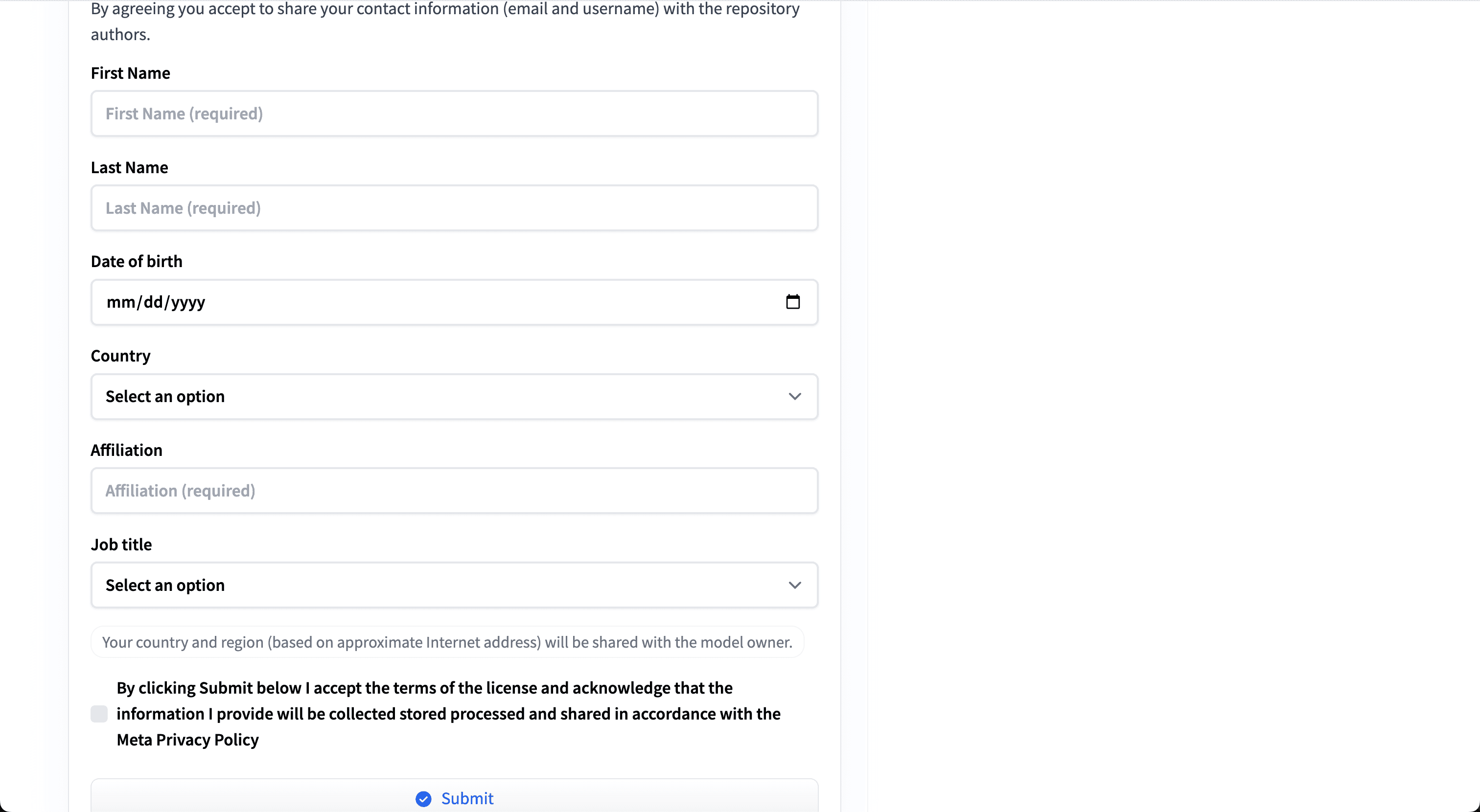
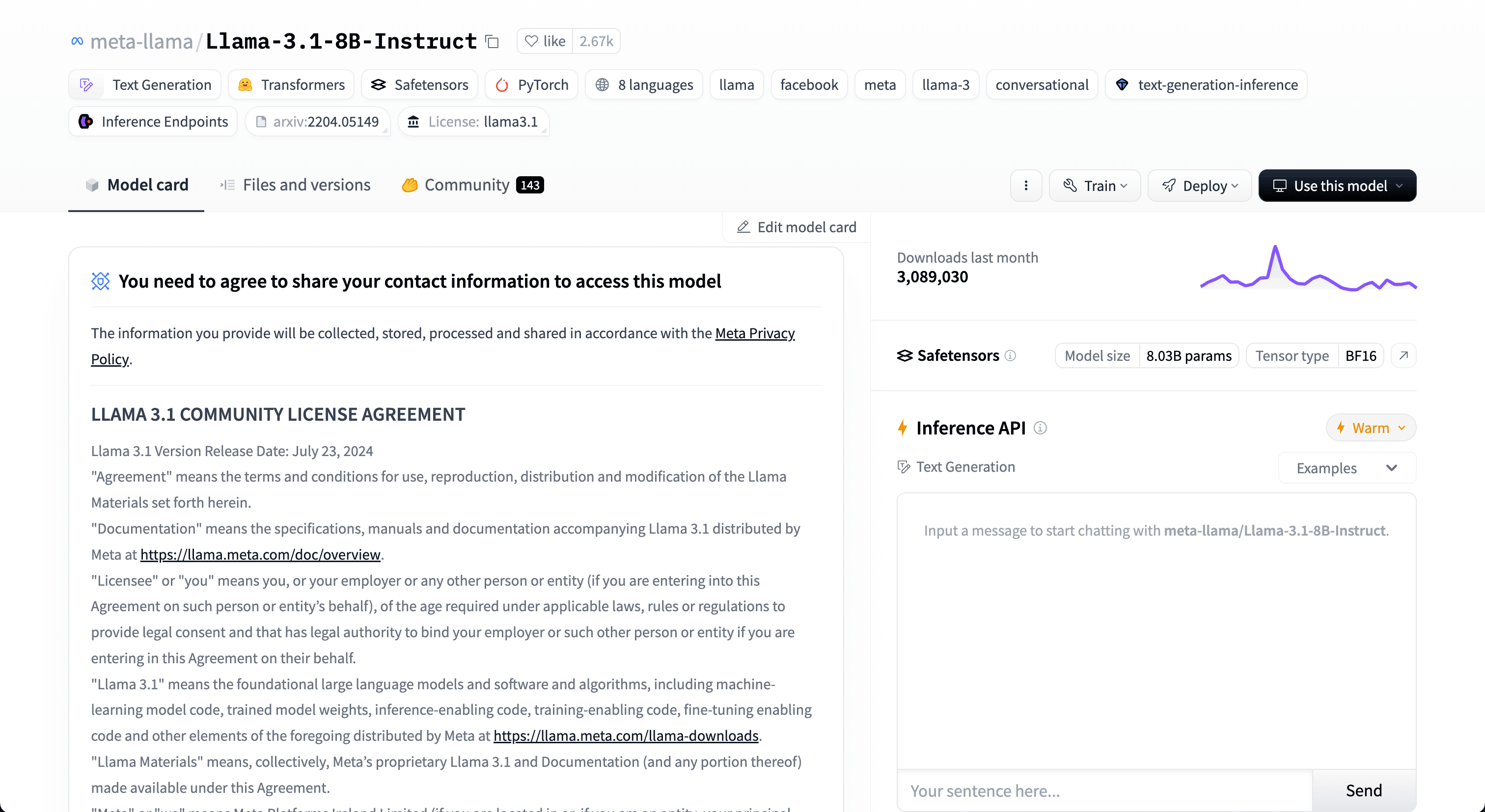
HF_TOKEN=<hf-token>litgpt download meta-llama/Meta-Llama-3.1-8B-Instructit is also required to submit a form on the HF page of the llama model:
https://huggingface.co/meta-llama/Llama-3.1-8B-Instruct (opens in a new tab)
...